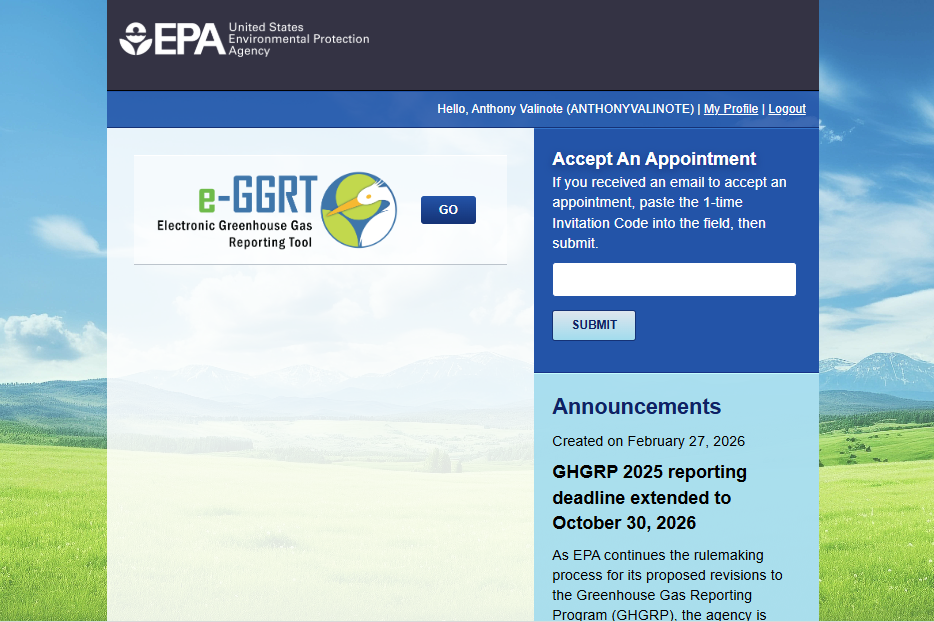
Portal Login Process
Breadcrumbs
Changed
Last updated: 1 week ago
As of August 17, 2024 all portal users must use Login.gov credentials to access the portal.
If you have not completed the one-time Login.gov migration process, refer to Login.gov Migration Process for information and instructions.
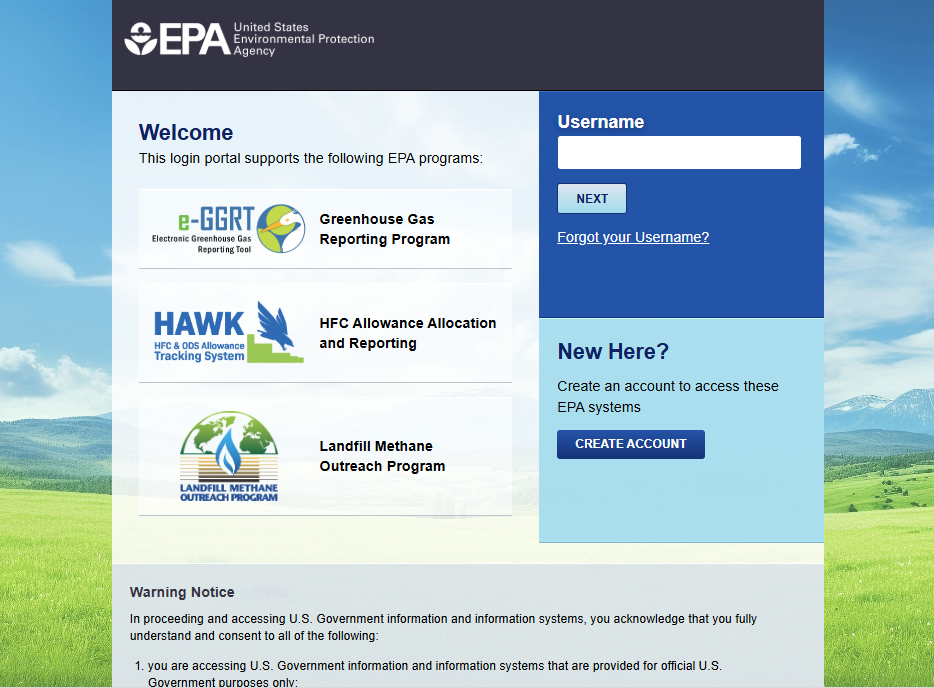
Go to the Portal login page at https://ghgreporting.epa.gov.
Enter your Username.
Click the NEXT button.
If you are presented with a password field, enter it and click NEXT. (If you do not remember your password, please click the "Forgot your Password?" link to begin the Reset Password process.
- A page will be displayed indicating "You are being Redirected" to Login.gov. Click on the "Proceed to Login.gov" button.
- On the Login.gov site, with the "Sign in" option selected, enter your email , password, then click the "Submit" button.
- Authenticate using whichever method you've established with Login.gov. (E.g., receiving a code via text, using an authentication app, or using a backup code).
- If authentication is successful, you will be taken back to the Portal. You are now logged in and can click the GO button for HAWK, or any other portal application you have access to.